Capture words anywhere. Learn them everywhere.
Vocabista turns the words you meet — in shows, articles, chats, and class — into flashcards with audio, then brings each one back right before you'd forget it. One system, from first encounter to long-term memory.
Flashcards for language learners. · Cards with audio · On web, mobile, desktop & smartwatches · Works offline
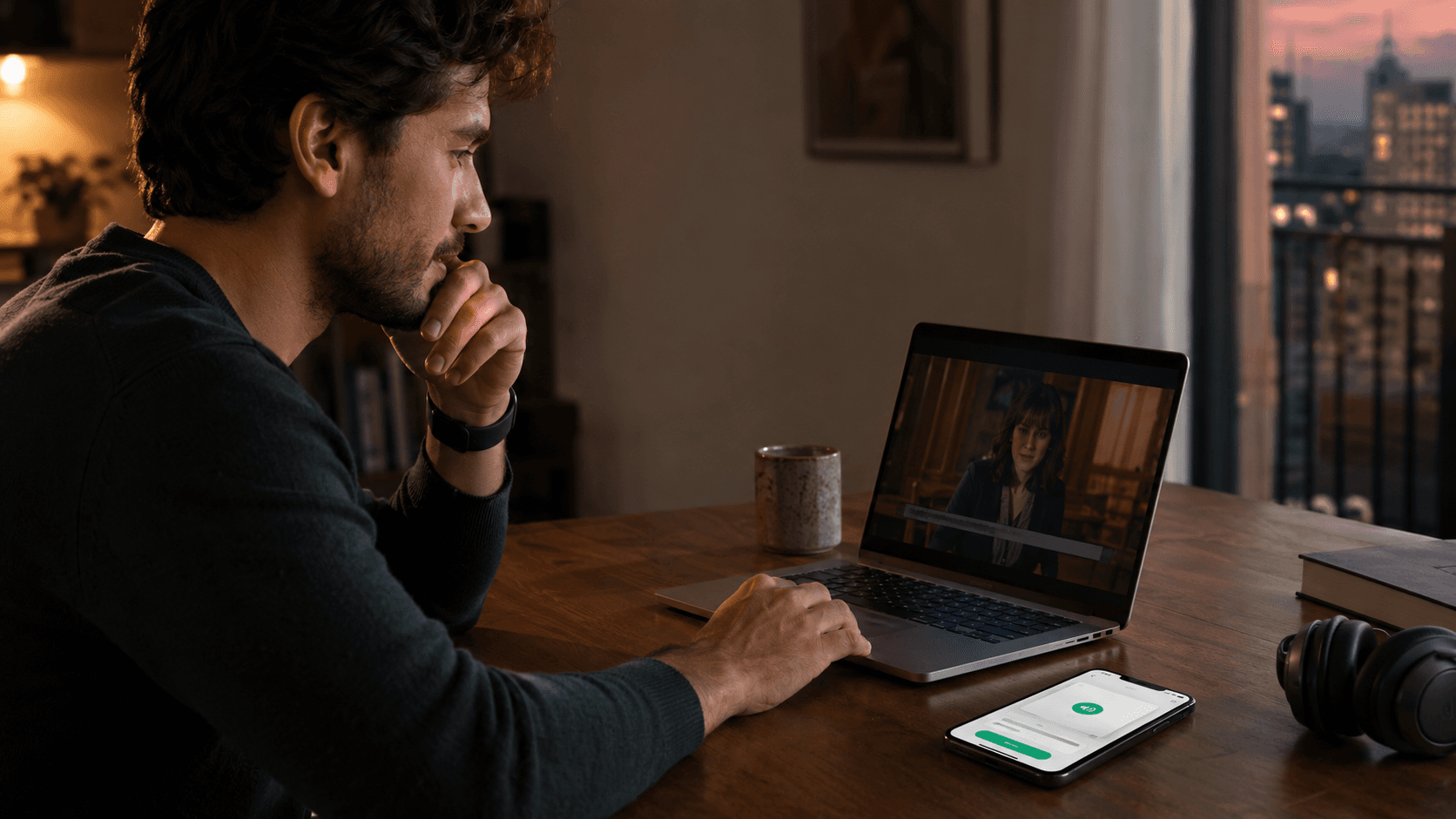
Works where words happen.
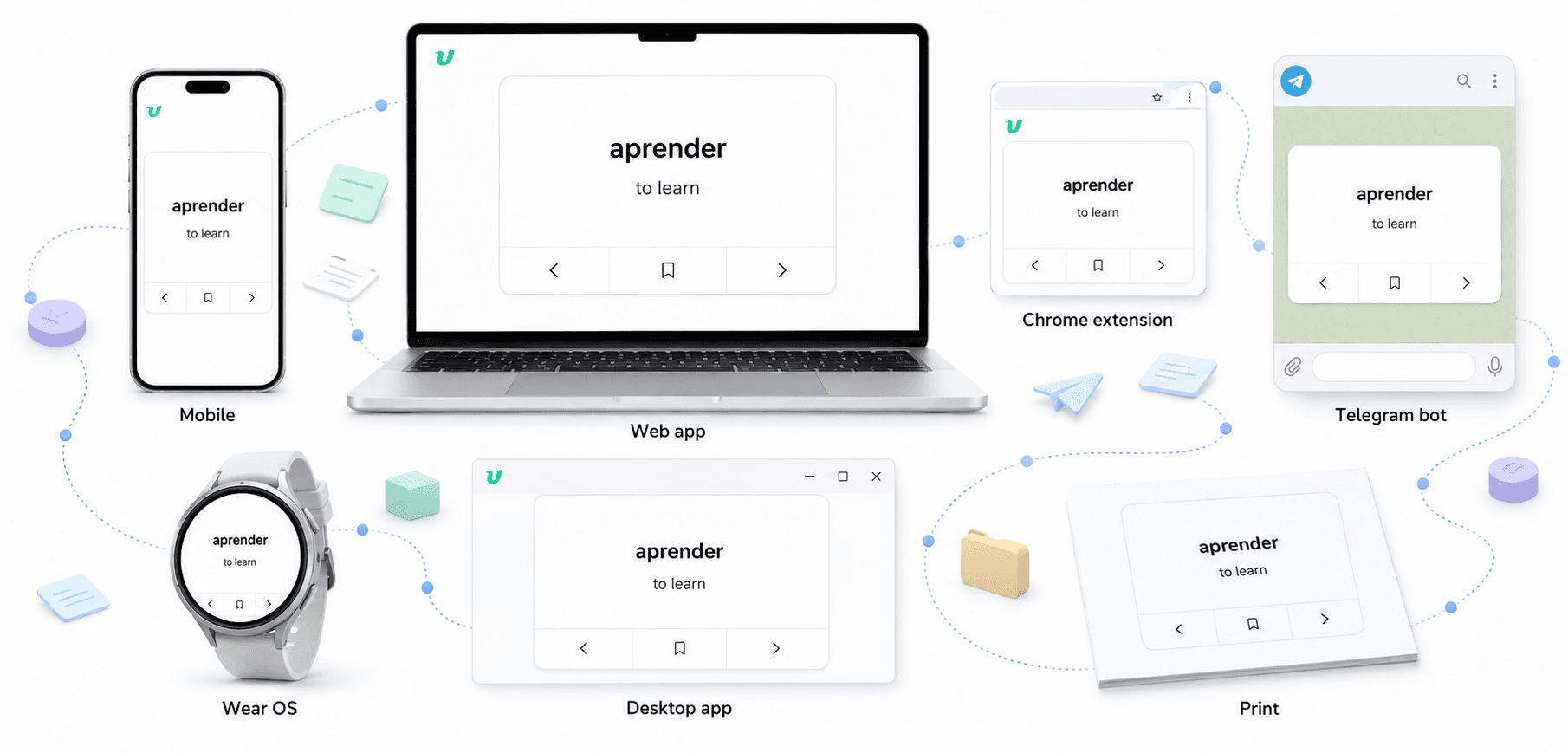
Words don't wait for study time — they show up mid-video, mid-article, mid-commute. Vocabista is wherever they are: capture on any device, and your cards and progress follow you to every other one.
 iOS
iOS Android
 Wear OS
 Chrome extension
Life doesn't always give you a desk.
Vocabista fits the moment — focused or hands-free, online or offline, two minutes or twenty, on a screen or off one. However you practice, it all feeds the same memory schedule.
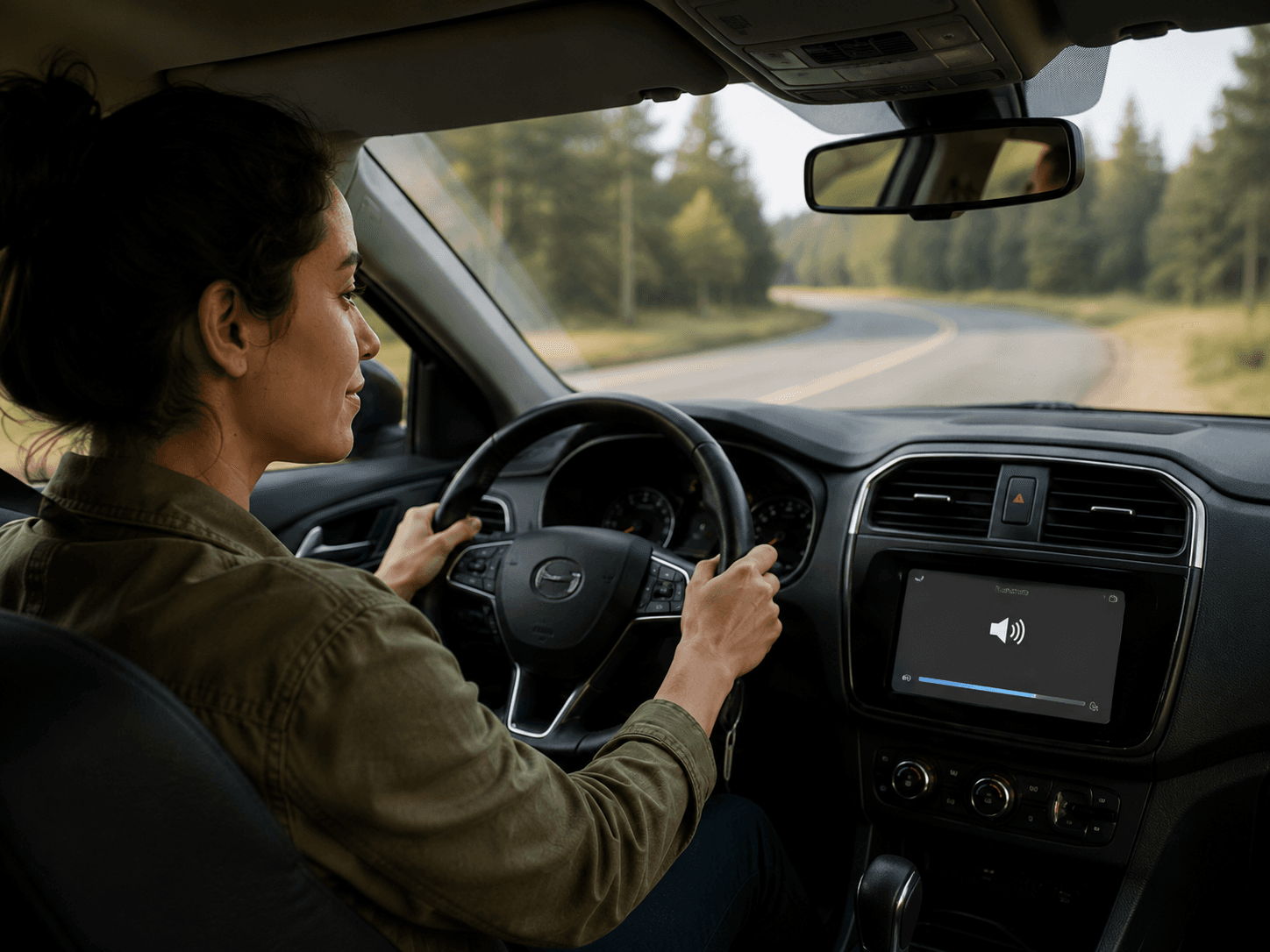
On the road
Listen hands-free through your car speakers.
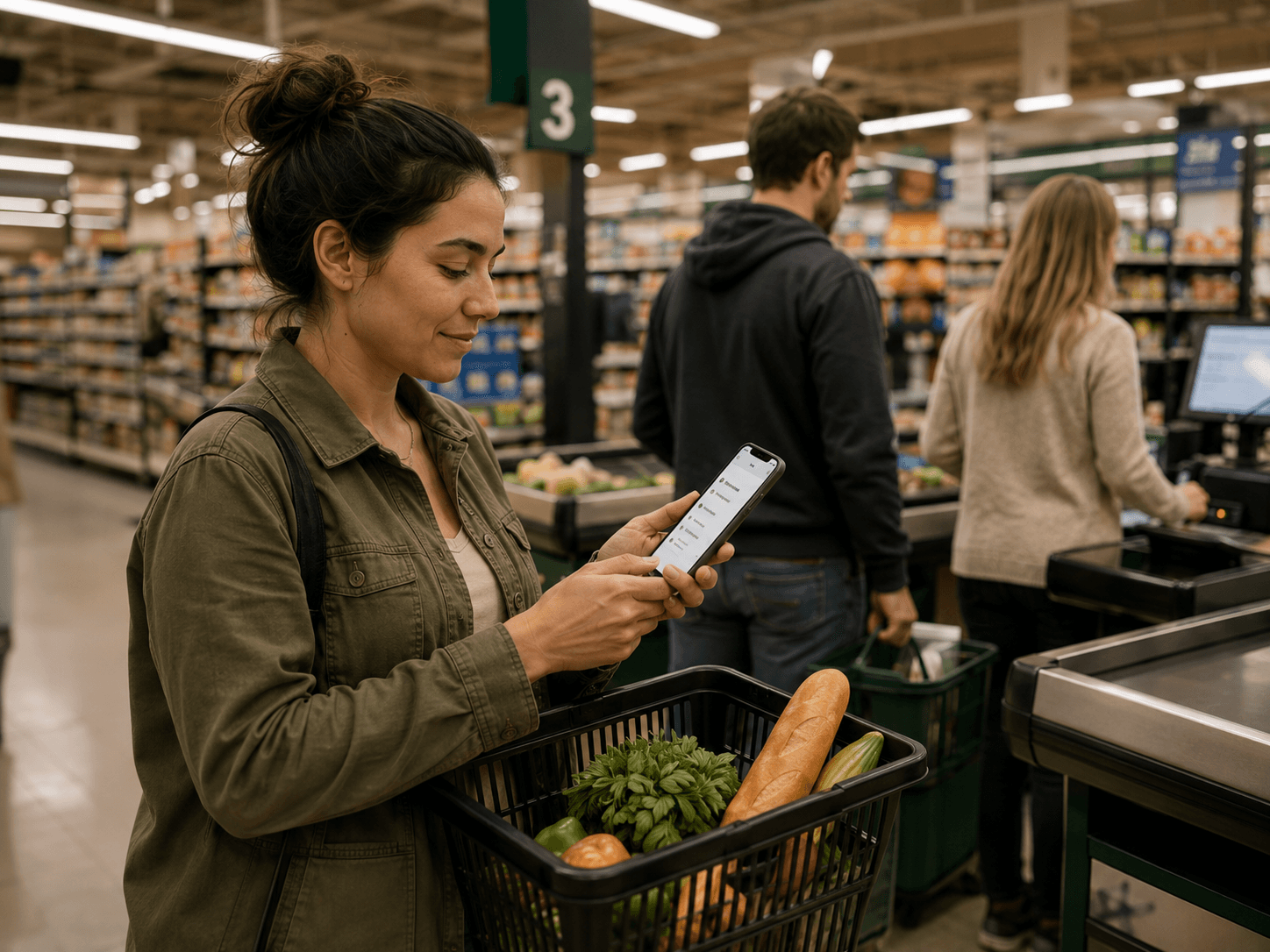
A spare minute
Review a few words before the line moves.
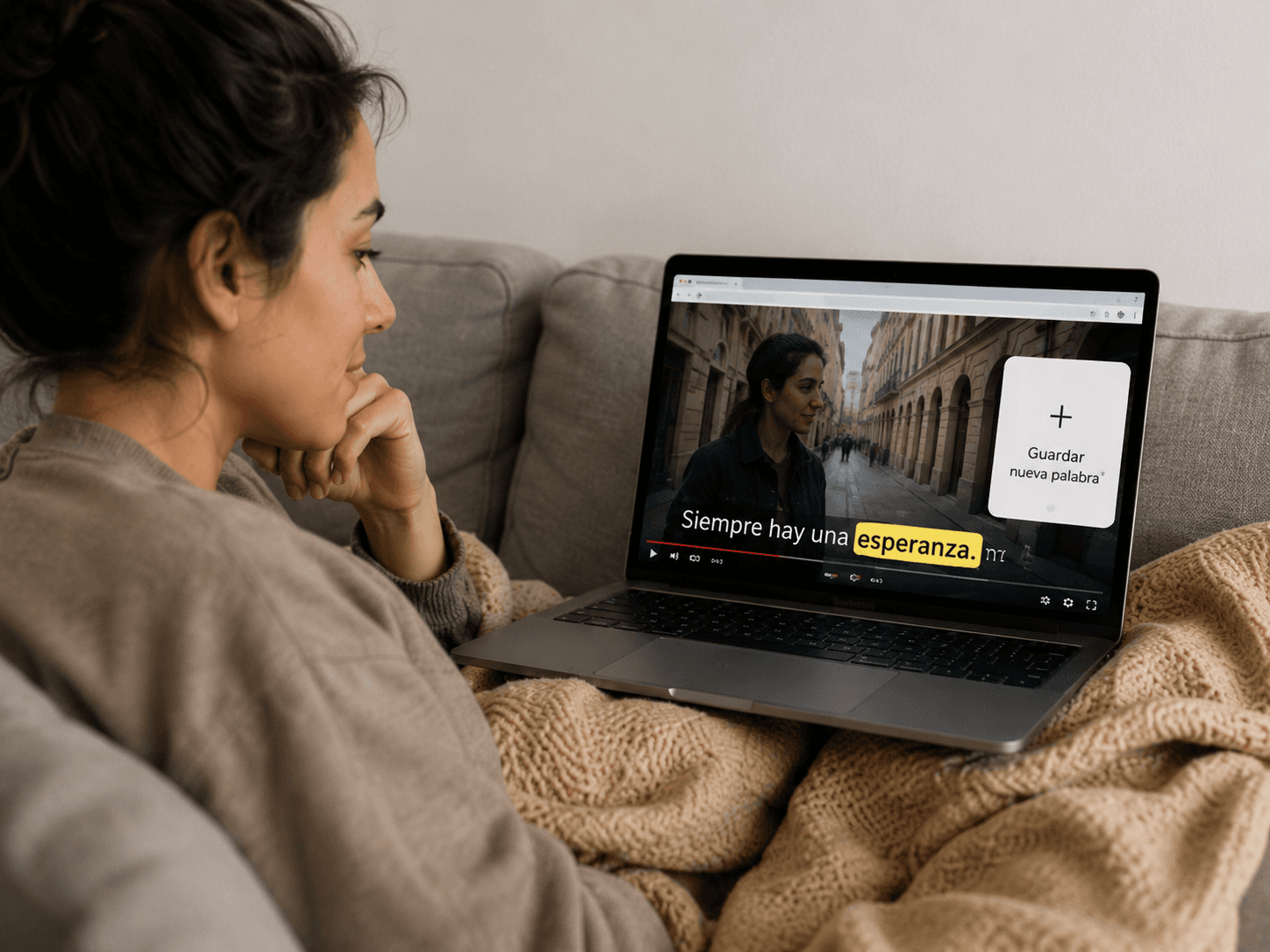
Learn as you watch
Save new words from YouTube without leaving the video.
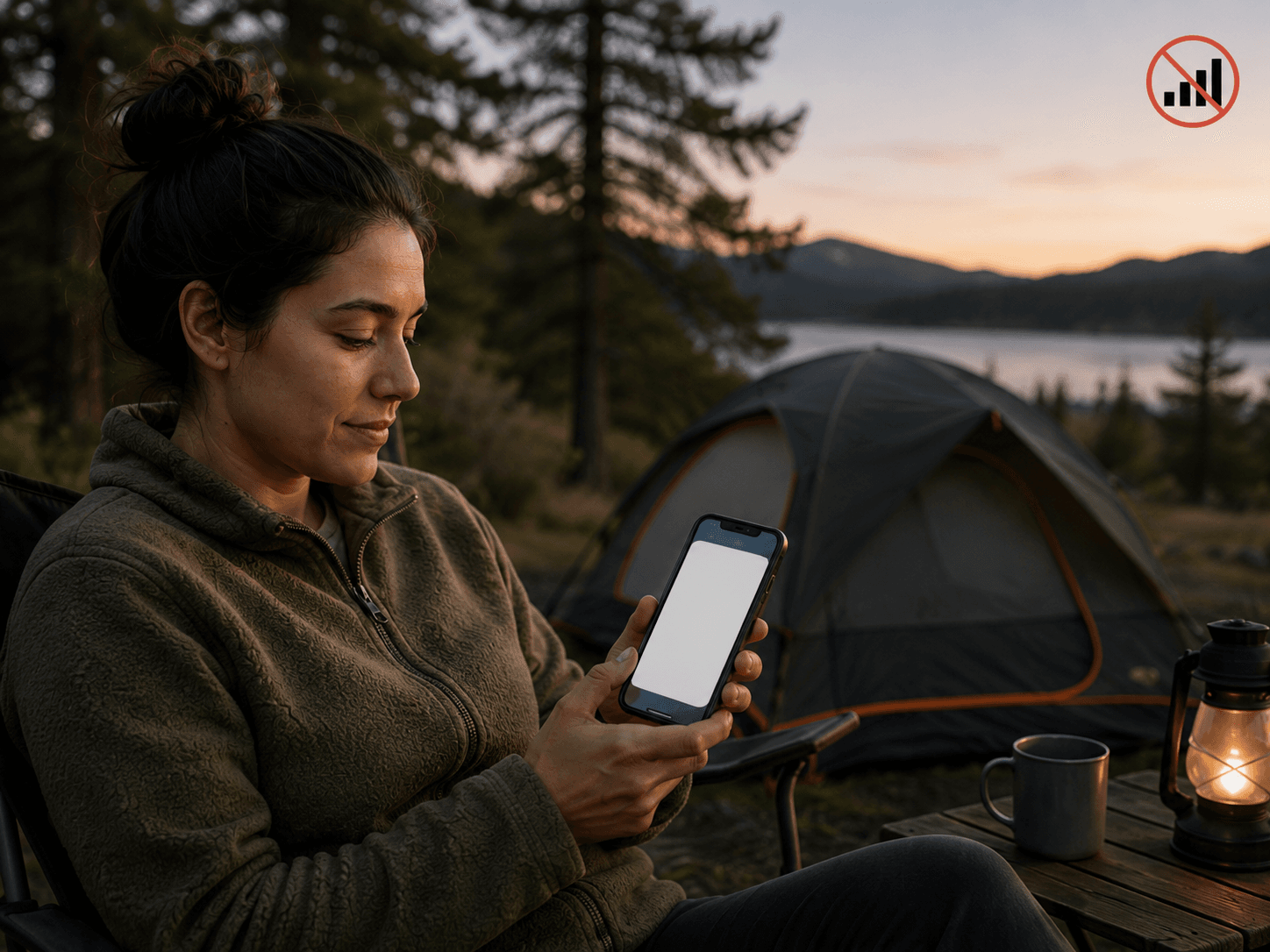
Off the grid
Keep reviewing at camp when there is no signal.
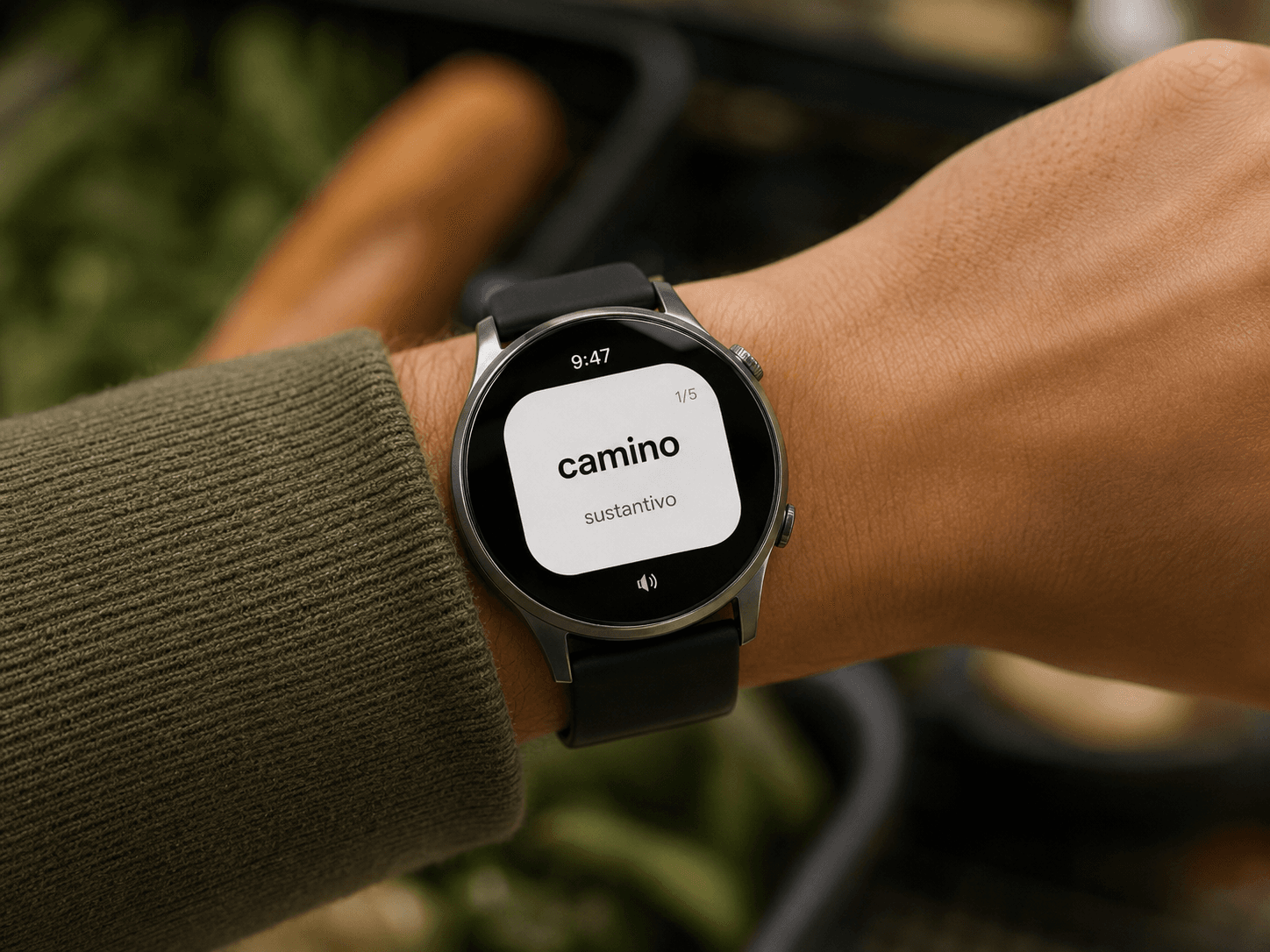
At a glance
Meet a word whenever you check the time.
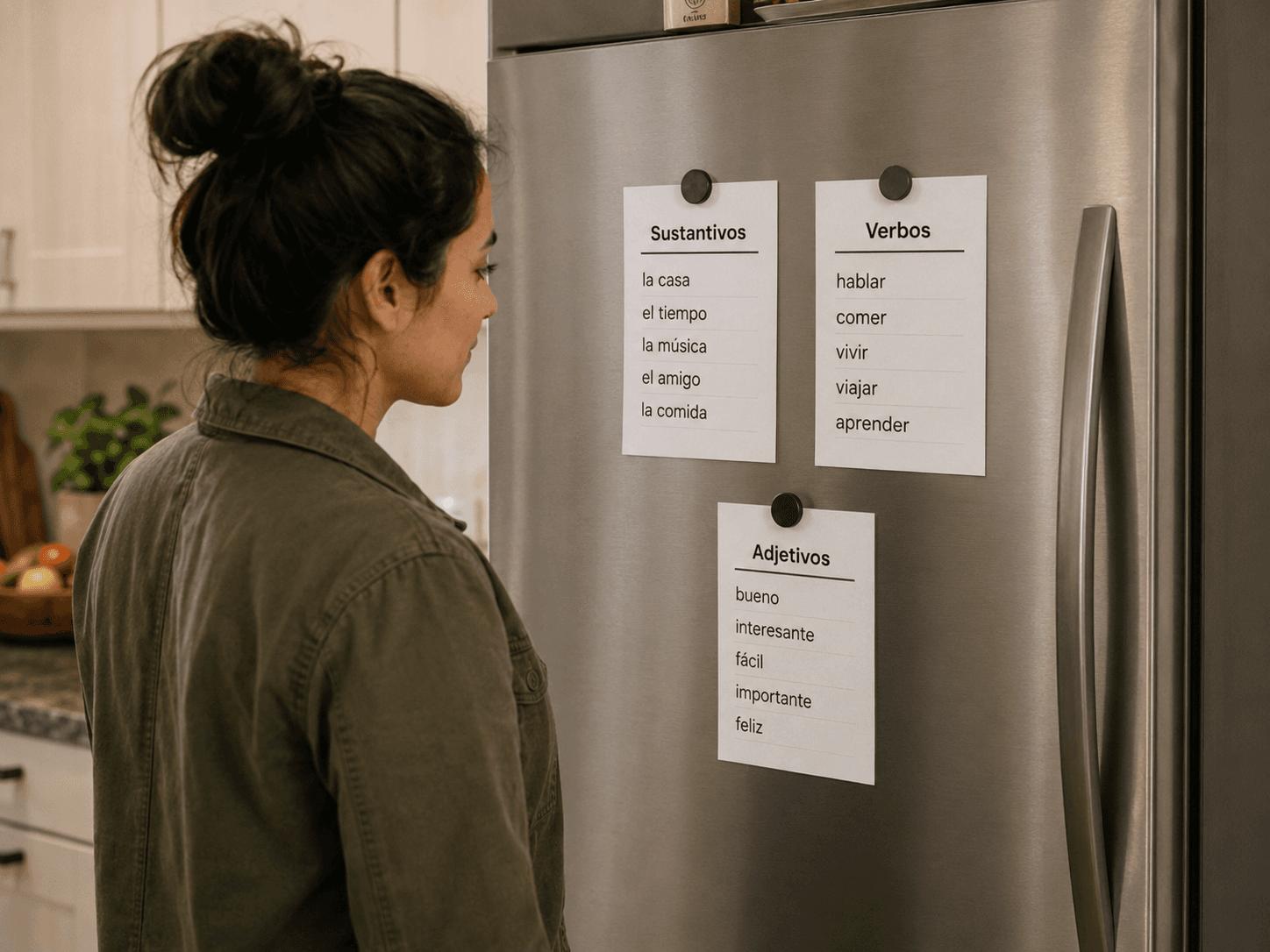
In plain sight
Put printed words on the fridge, where you will keep seeing them.
Review less. Remember more.
Two mechanisms keep your reviews small and your memory growing. FSRS-6, a modern spaced-repetition algorithm, brings each word back right before you'd forget it — difficult words get more attention, easy ones wait longer.
Once a word is truly stable, it graduates to the Archive: out of your queue, never lost, never wasting another review.
- Every review lands right before you'd forget
- More attention on the words that resist you
- Mastered words retire — your active deck stays small on purpose
Stop stitching your vocab workflow together.
Translator. Notes. Flashcards. Every hand-off is another place for a word to disappear. Vocabista replaces the chain with one system — from encounter to scheduled review.
The stitched way
Meet “ging” while reading
Gestern ging sie zu Fuß nach Hause.
Use Google Translate to get a translation
Save it in Notes to add later
ging — went
add later
Remember to build and schedule a flashcard
Forgotten before review
With
Meet “ging” while reading
Gestern ging sie zu Fuß nach Hause.
Get a definition in Vocabista
You found: ging
gehen
to go
Forms: geht · ging · ist gegangen
Create the card automatically
gehen
to go
Forms: geht · ging · ist gegangen
Schedule the review automatically
Next review · June 15
Review it when it’s due
gehen
to go
Ready to review
Language-aware
by design.
A word is more than its translation. Vocabista keeps pronunciation, word class, definitions, and supported inflected forms attached — so the word you meet in context stays connected to how the language actually works.
Hover an inflected word. See the base form and the details that make it usable.
Am nächsten Morgen ging sie früh aus dem Haus, wie sie es immer tat.
gehen
- Word class
- Verb
- Principal forms
- gehen · ging · ist gegangen
Definitions
- 1. to go
- 2. to walk / leave
Vocabulary is better shared.
Teachers share sets with a class — from thirty students to one tutoring student. Learners start from Community Sets instead of building from zero. And anything can go on paper.
Share with a class
Any size, including 1:1
Community Sets
Start from what others built
Print Practice
Handouts and screen-free study
Pricing
Free to start. Fair to keep.
Start free and learn the workflow at your own pace. Upgrade when Vocabista becomes part of your daily routine.
Pro
€2.92/month
Billed €35/year · under 10¢/day
- Everything in Free
- All devices & offline
- Unlimited AI card generation
FAQ
Questions, answered.
Everything you need to know before you start.
01Does Vocabista work offline?
Yes — the mobile app is fully offline, including audio. Progress made offline syncs back when you reconnect; nothing is lost.
02Won't I just build a pile of words I never review?
That's exactly what the system prevents: the schedule decides what comes back and when, daily reviews stay small, and mastered words leave for the Archive. You never face the whole pile — only today's few.
03Can I use it with any language?
Any language pair — including script options (like Latin vs. Cyrillic for Serbian) and accent choices (like US vs. UK English). Not limited to a preset list.
04How does AI help with card creation?
You give one side — either language — and it generates the other, plus example sentences and audio. You review the result; you're always one tap from editing it.
05How fast is capturing a word, really?
A couple of seconds: press Cmd+C twice in the desktop app, click the extension button in your browser, or use quick add on mobile. The complete card — definition, example, audio — is generated for you moments later.
06Is it only for solo learners?
Solo-first, but teachers share sets with classes of any size, and Community Sets let you start from what others have built.
07Which devices does it support?
Web, iOS, Android, a desktop capture app, a Chrome extension, a Wear OS watchface, a Telegram bot — and paper, via printable practice sheets.
Turn the words you meet into words you keep.
Or get it on